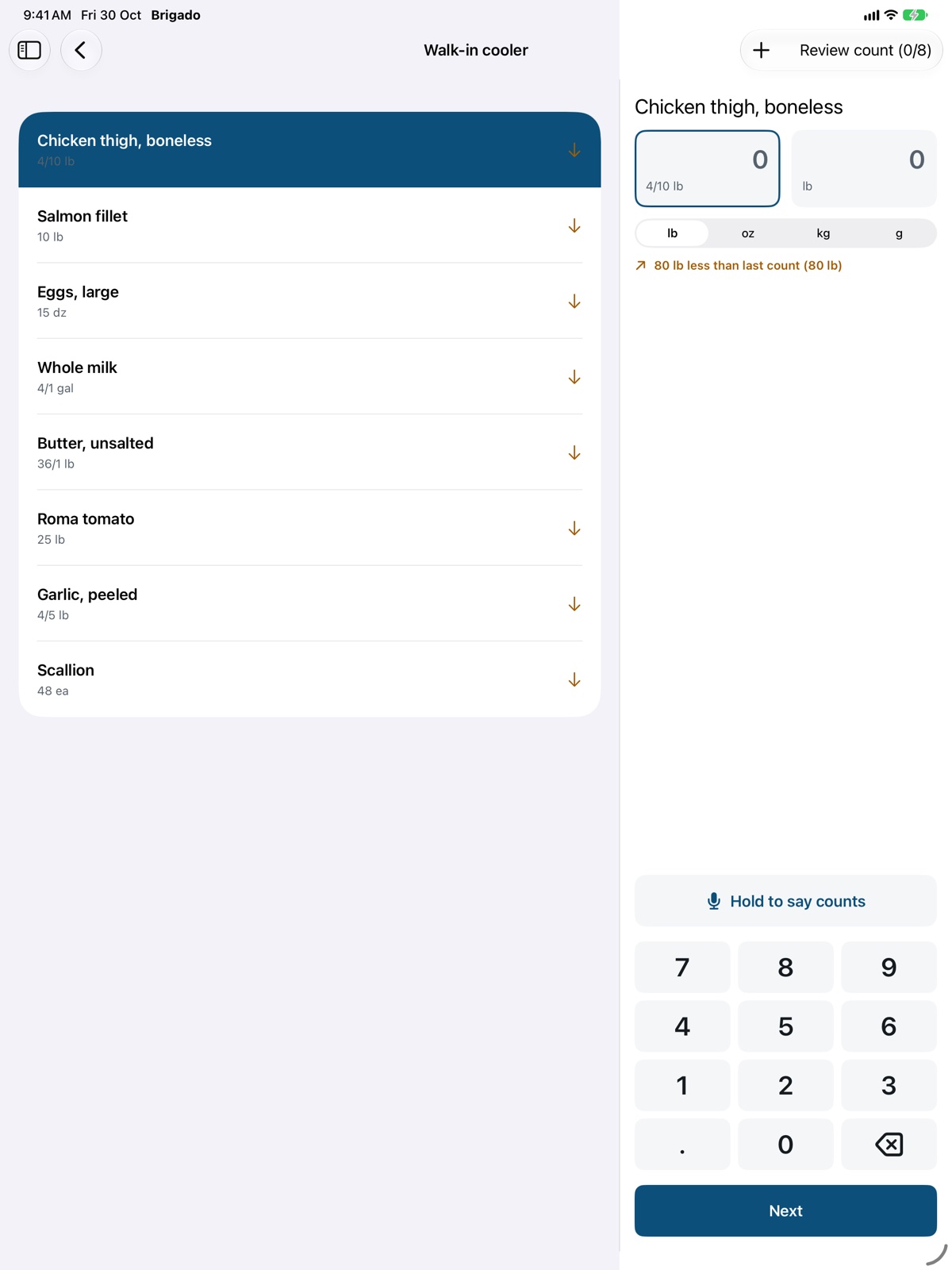
Storage areas and walk order
Add, rename, reorder and remove the places you count.
Open Count and tap Storage areas (the stacked squares at the top).
- Add an area by typing its name, or tap a suggestion like Walk-in cooler or Freezer.
- Rename an area by editing its name.
- Reorder by dragging, so the list matches the way you walk the kitchen. Counting follows this order.
- Choose the items kept in an area by tapping its item count.
- Delete with the trash button. The area’s items stay in Items & Prices without an area, and past counts are kept.